Drag-drop email & page builder
you ship in your product.
JSON-first · open source-ready · no framework lock-in. Drop one script tag, mount a builder, and let your users design their own pages — saved, exported, and shipped.
- ~1,000 teams shipping
- 4.4 CodeCanyon rating
- 62 themes & samples
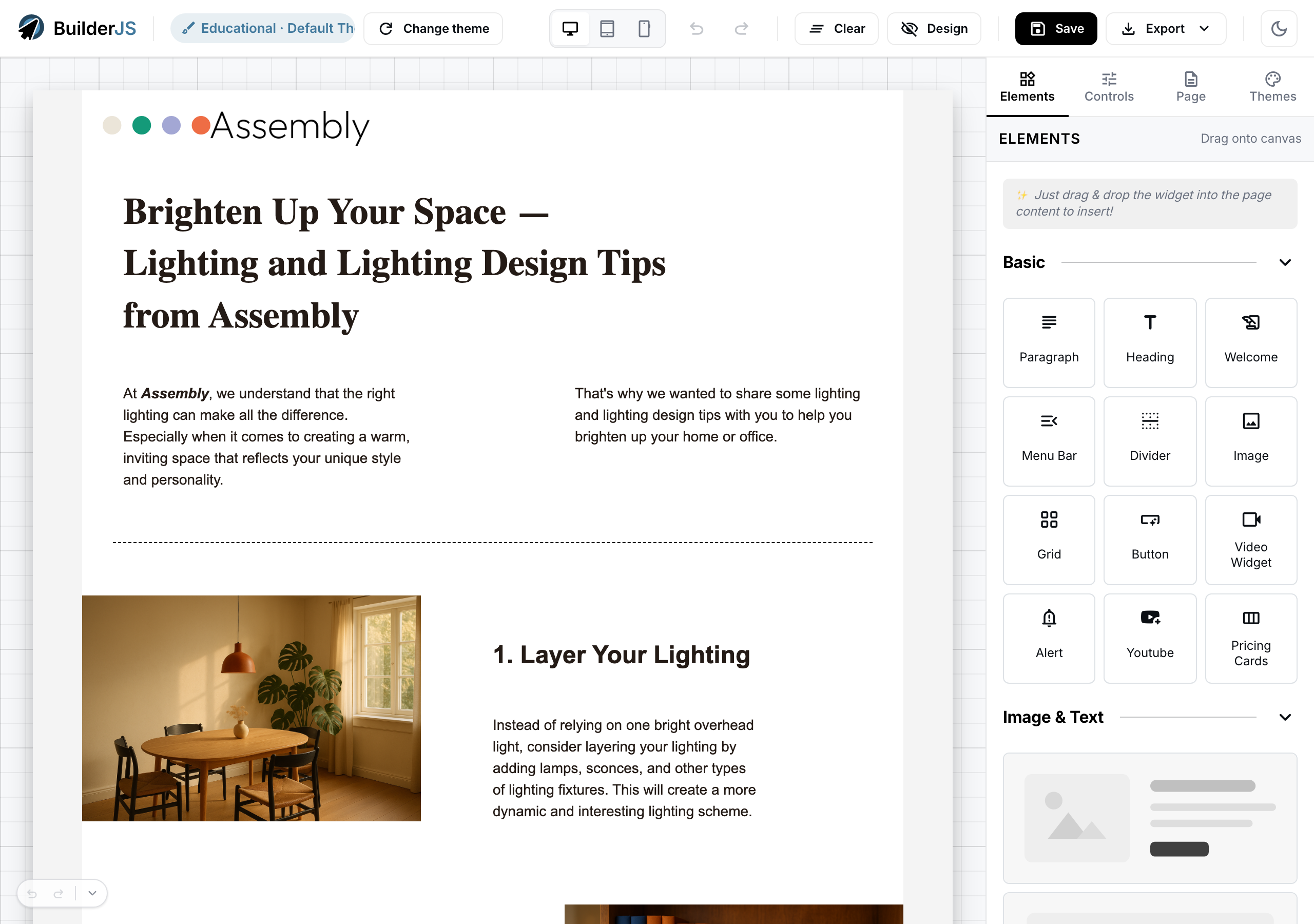
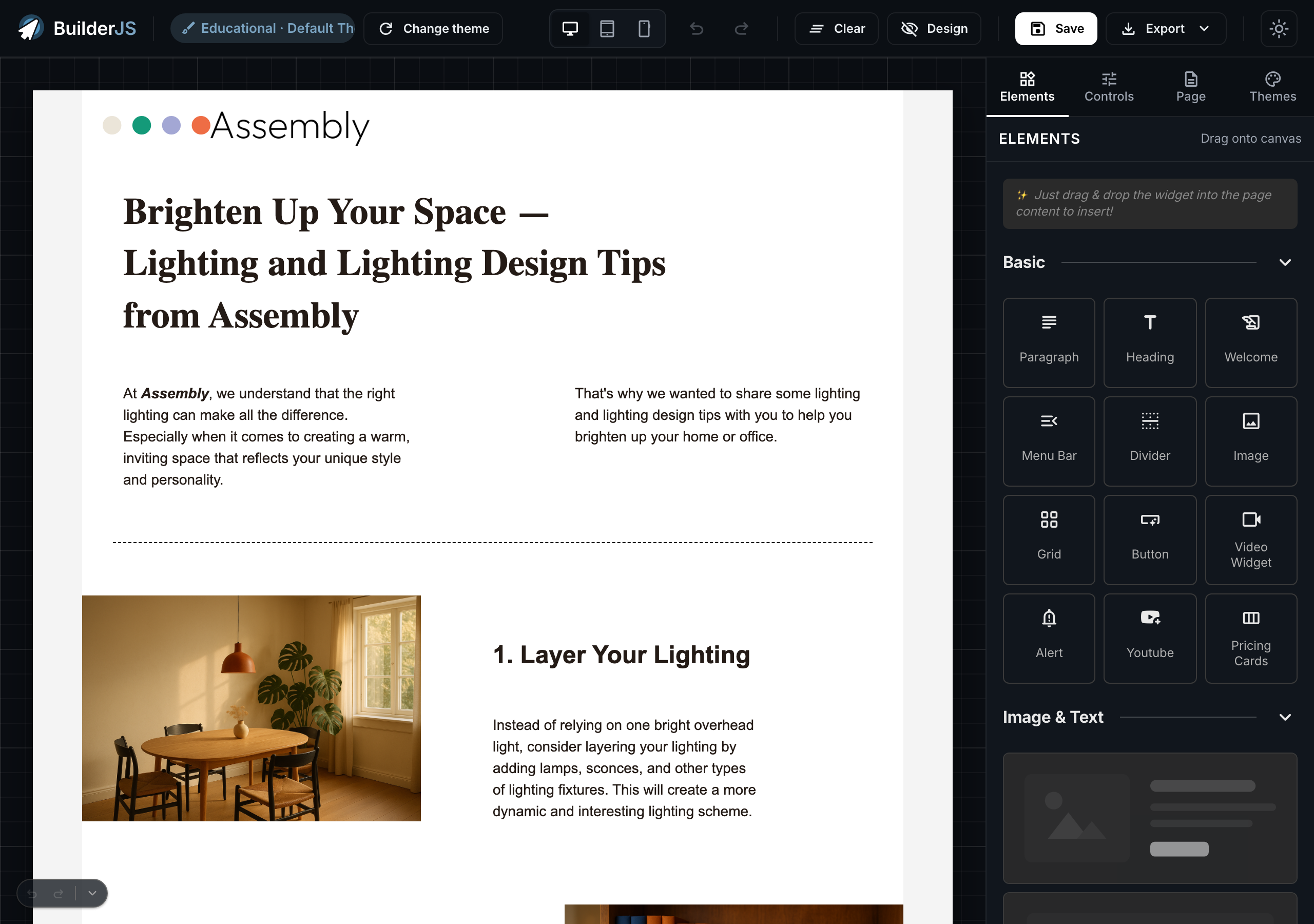
Three steps from script tag to shipped page.
-
Mount the builder
Add one script tag and a container div. The builder boots inside any framework — pure HTML, React, Vue, or PHP.
new Builder({ container: '#editor' }); -
Let users design
Drag elements onto the canvas, edit copy in place, swap themes, upload assets. All bidirectional with JSON state.
builder.load(THEME_JSON, THEME_TEMPLATES, THEME_CONFIG_DATA, MEDIA_URL); -
Save & export
Get JSON for your database, rendered HTML for your CDN, or a full theme bundle ZIP for portability.
const data = builder.getData(); const html = builder.getHtml();
Drop one script tag, mount the editor.
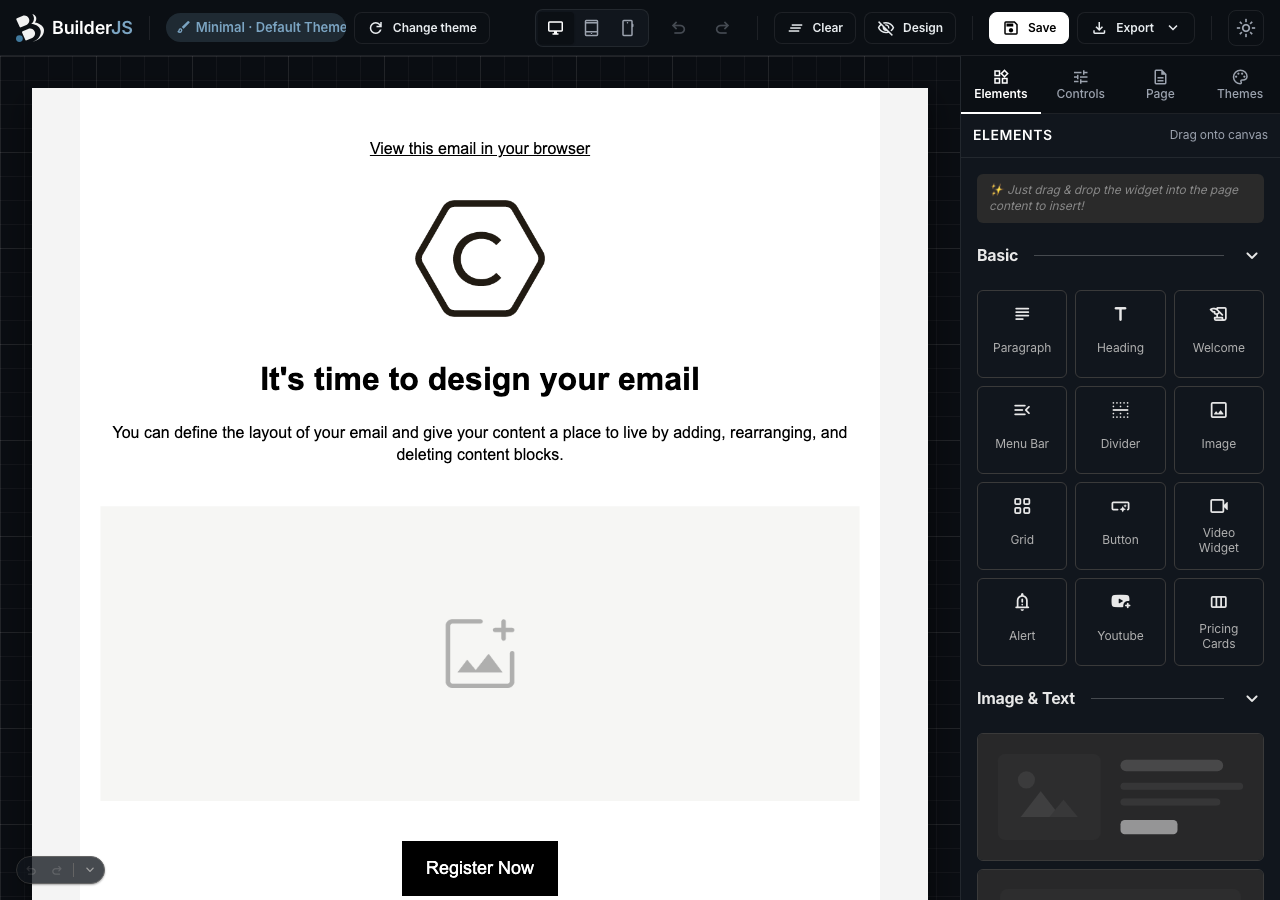
Five lines of HTML + a single Builder constructor. No build step, no framework. The screenshot on the right is exactly what the snippet on the left produces.
<link rel="stylesheet" href="/dist/builder.css">
<script src="/dist/builder.js"></script>

<div id="WidgetsContainer"></div>
<div id="MainContainer"></div>
<div id="SettingsContainer"></div>

<script>
  const builder = new Builder({
    mainContainer:     '#MainContainer',
    widgetsContainer:  '#WidgetsContainer',
    settingsContainer: '#SettingsContainer',
  });
  builder.load(THEME_JSON, THEME_TEMPLATES, THEME_CONFIG_DATA, MEDIA_URL);
</script>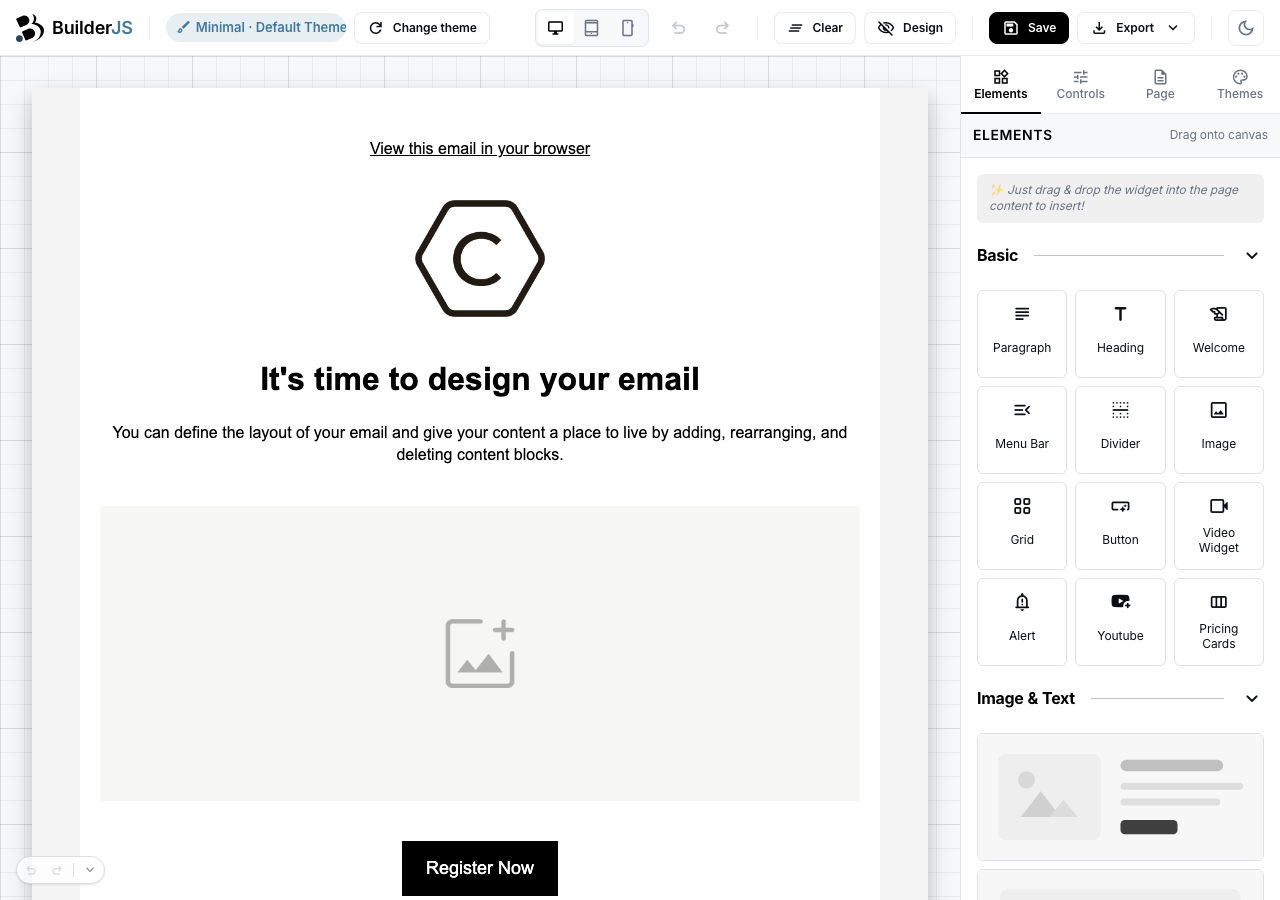
What ships in the package
- 35 working examples basic · backend · cookbook
- 62 themes & samples standard + extended
- 8 cookbook recipes copy-paste chrome variants
- 6 backend recipes PHP · MySQL · S3 · Auth
- v1.0.0 engine version latest, May 2026
Show off, then read more.
Every category opens with three featured walkthroughs. Click "View all" to jump straight into that tier's full listing on the examples hub — every row that ships lands here automatically.
Basic Basic 5 examples
Buyer's first 5 minutes. Drop-in integration, theme registration, dark mode, multi-instance.
- Basic Quick Start Five lines of HTML + JS — your users get a full drag-drop builder in under a minute. View example
- Basic Hello World Click Save and watch JSON round-trip to disk. Same builder as Quick Start, plus a 30-line PSR-12 backend that you can swap for any database. View example
- Basic Custom Theme The directory layout BuilderJS reads. Fork themes/default/, change the brand block, edit one or two templates — every page across your product picks it up. View example
Backend Backend 4 examples
Wire any backend in ~20 lines. PDO + SQLite fallback so it boots zero-config.
- Backend Save to MySQL PDO + prepared statements with a SQLite fallback so it boots zero-config. One driver swap and the same handler talks to MySQL, MariaDB, or PostgreSQL. View example
- Backend Save Assets to S3 Stream uploaded images to any S3-compatible store. Ships with a one-command MinIO docker-compose so dev runs without an AWS account. View example
- Backend Session Auth Multi-user save flow scoped per session. Defaults to a flat <code>users.json</code> driver — swap one line for PDO when you go to production. View example
Cookbook Cookbook 8 examples
8 ready-to-paste chrome shapes. Each entry is 4 self-contained files — copy the dir verbatim into your project.
- Cookbook Minimal — canvas + thin top strip No widgets palette, no settings sidebar — just a 36 px header strip for a title or a Save button, and the editing canvas. Pick this when your host app already supplies the chrome. View example
- Cookbook Compact 2-col — canvas + right Settings Read-mostly editor: text and colours come from the right-side Settings panel; no widgets palette. Pick this when content is authored elsewhere (CMS, AI, copy team) and the buyer's job is just polish. View example
- Cookbook Compact 3-col — widgets + canvas + settings Classic app-chrome at 1024 px+. Drag from the left widget palette, edit on the canvas, polish on the right Settings panel. Tighter than the full demo builder — narrower 200 px / 240 px sidebars leave more canvas room for embed in a denser host app. View example
Events Events 5 examples
React to engine state changes — document saved, element added, mode flipped, region focused.
-
Events
document:changed — last-modified pill
Subscribe to the engine's
document:changedevent and update a host-side pill on every edit. The bus debounces internally at 120 ms — one host-visible signal per typing burst, not per keystroke. View example - Events element:added / element:removed — live activity log Subscribe to both element:added and element:removed on the same bus, render a bounded list of the last N mutations. Each event carries { elementUid, elementType } — enough to identify what changed without serializing the page tree. View example
- Events history:change — external Undo/Redo buttons Subscribe to history:change and drive your own Undo/Redo buttons OUTSIDE the engine chrome. The payload carries { canUndo, canRedo, size, currentIndex } — enough to drive button state and a "step N of M" pill from a single signal. View example
API API 5 examples
Programmatic operations — getHtml, getData, setMode, selectElement, clearElements.
- API getHtml() + getHtmlWithRelativeLinks() — HTML export Two flavours of HTML export from one engine surface. getHtml() returns the canvas with absolute media URLs (themeMediaUrl prefix included); getHtmlWithRelativeLinks() strips that prefix so the saved HTML is portable across domains. Side-by-side preview + Download .html link. View example
- API getData() + load() — copy state between two Builders Two side-by-side Builders A and B share theme + templates but render independent JSON state. One button calls A.getData() → B.load(...) and the page tree teleports. Symmetrical contract: whatever getData returns, load consumes. View example
-
API
setMode() + MODE_CHANGED — design / preview toggle
Two API calls (
setMode('design')·setMode('preview')) plus theMODE_CHANGEDevent subscriber give you a segmented toggle that stays in sync with the engine. Click handlers fire the API; the event listener is the single source of truth for the UI state. View example
Extensions Extensions 5 examples
Extend the engine — custom widgets, custom elements, custom controls, locale packs.
-
Extensions
Custom Widget — subclass BaseWidget, register, ship
Three engine touchpoints —
extends BaseWidget(withgetName/getIcon+ a constructor that buildsthis.block),widgetsBox.addWidget(new MyWidget(), { group }), andwidgetsBox.render(). Custom palette items drag onto the canvas the same way stock widgets do; child elements become inline-editable from first drop. View example -
Extensions
Custom Element — extend BaseElement, register, save/load round-trip
Three engine touchpoints —
extends BaseElement(withstatic parse(data)+getData()+_doRender()),Builder.registerElement(name, klass)(mutates the registry, exposes the class onwindow.*), and a one-line EJS template injection intobuilder.templates. After registration, JSON nodes carrying{ "name": "CountdownElement", … }parse + render through the SAME path stock elements use. View example -
Extensions
Custom Control — extend ColorPickerControl with brand swatches, wire via getControls()
Three engine touchpoints — subclass an existing
ColorPickerControl(overriderender()to add brand swatches), instantiate inside a custom Element'sgetControls()(the engine auto-wires the panel on click), and route swatch clicks through_notify(hex)(the same callback path the hex input uses). Controls aren't registry-based today; coupling them to an Element viagetControls()is the canonical buyer-side path. View example
Flows Flows 3 examples
End-to-end production patterns — bundle export, bundle import, history shortcuts.
-
Flows
Export HTML / ZIP / Bundle — three modes, one engine read
One pair of engine reads —
getHtml()(absolute URLs) +getHtmlWithRelativeLinks()(relative URLs) — feeds three backend endpoints that ship three different artefacts. HTML for in-editor consumers, ZIP for cross-domain hosting, Bundle for cross-tenant migration. The buyer wires three buttons; the engine + backend do the rest. View example -
Flows
Import saved page — drag-drop .json → builder.load() round-trip
The symmetric pair to W6.C.15 export. Save the canvas as a
.jsonblob viagetData(), drag it back onto the canvas to re-hydrate viabuilder.load(). No JSZip dependency — pure native FileReader + JSON.parse + the canonical 4-argload()signature. View example -
Flows
History keyboard shortcuts — chord ladder + max-history stepper
Three layers in 30 lines of buyer code: (1) the engine wires Cmd-Z / Cmd-Shift-Z / Cmd-Y for free, (2) extend the ladder with any custom chord (Cmd-Shift-Backspace = rewind to start), (3) flip the stack ceiling on the fly via
history.maxSize. Reactive Undo/Redo + step counter all driven by thehistory:changelistener — single source of truth. View example
Built for products buyers ship today.
BuilderJS slots into 4 common product surfaces. Pick the one that matches yours and start from a working recipe.
-
SaaS dashboards
Embed a Builder card in your customer's dashboard tile. Quick-edit emails, page blocks, and content snippets without leaving the app.
See the card recipe -
Email composers
Mount a 3-column Builder for full email authoring with theme + sample picker, undo/redo, and export. The marketing-email composer pattern.
See the rich 3-col recipe -
Landing pages
Buyers compose marketing landing pages from your branded theme; export to static HTML or a CMS-friendly JSON payload.
See the quick-start -
CMS / Admin panels
Mobile-first tab-based chrome for in-app content editors. Stays usable at 375 px viewport without sacrificing the desktop story.
See the mobile recipe
The methods + events you'll reach for first.
Six methods cover > 90 % of typical integration. Four events feed every reactive UI you'll wire on top. Click any row to jump into the doc page.
Methods
-
load()Mount a theme bundle into the canvas.builder.load(themeJson, themeTemplates, themeConfigData, mediaUrl); -
getData()Serialize the current page to JSON.const data = builder.getData(); // { name, formats, blocks, … } -
getHtml()Render the current page to a full HTML document.const html = builder.getHtml(); // <!doctype html><html>… -
setMode()Toggle between design and preview modes.builder.setMode('preview'); // or 'design' -
history.undo() / redo()Step the document edit history backward or forward.builder.history.undo(); builder.history.redo(); -
widgetsBox.addWidget()Register a custom widget into the sidebar palette.builder.widgetsBox.addWidget(new MyWidget(), { group: 'My' });
Events
-
document:changedFires after every canvas mutation. Throttle if listening for autosave.builder.events.on('document:changed', () => save(builder.getData())); -
document:savedFires after Builder.save() resolves. Use to clear dirty-state indicators.builder.events.on('document:saved', () => dirtyDot.classList.remove('on')); -
mode:changedFires when design ↔ preview flips. Driven by setMode() OR shortcut.builder.events.on('mode:changed', m => previewBtn.classList.toggle('on', m.to === 'preview')); -
element:added / element:removedFires when blocks enter or leave the canvas. Reflect into your own outline panel.builder.events.on('element:added', ev => outline.add(ev)); builder.events.on('element:removed', ev => outline.remove(ev));
Full reference in /docs/ —
including elements, controls, overlays,
and the I18n locale-pack contract.
Start from a real theme.
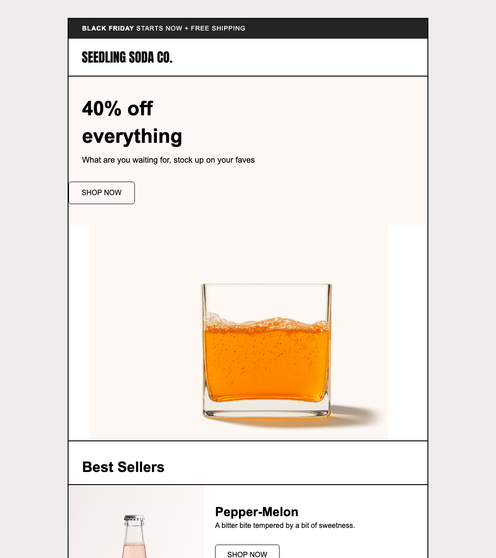
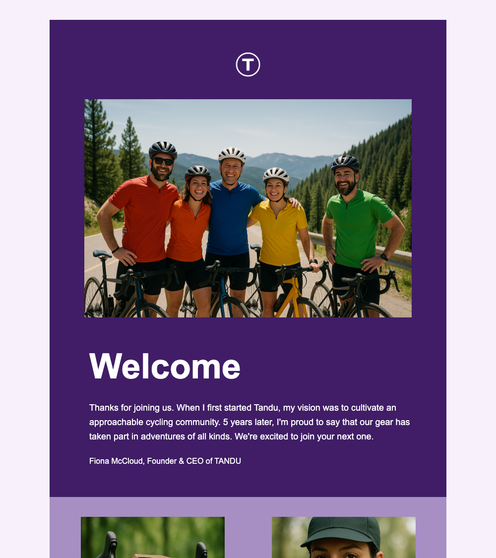
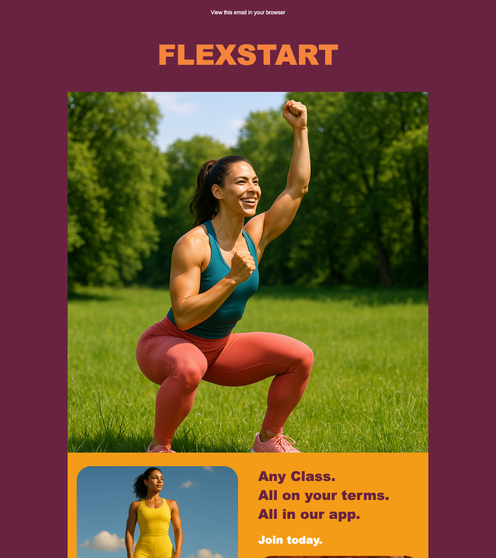
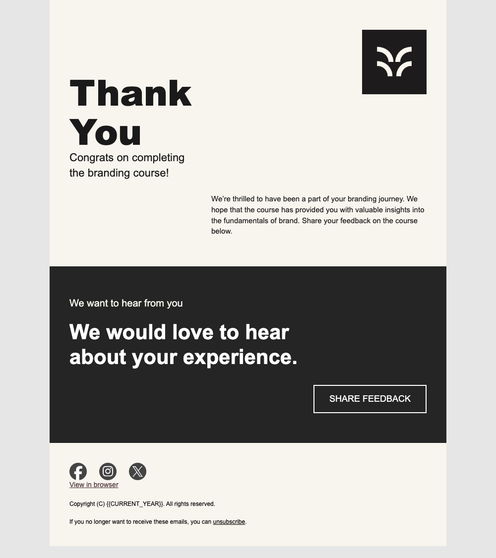
43 production-ready email and page templates. Click any thumbnail to open it in the builder.

No magic. No lock-in.
-
Pure HTML / JS
Drop one script tag. No framework lock-in, no build step, no `node_modules` to vendor. Works in React, Vue, Laravel, Rails, plain PHP.
Open the builder -
Extend everything
Subclass `Element`, `Control`, or `Widget` to add custom blocks. Every primitive is documented in the design system and matched in code.
See the design system -
Open source-ready
PSR-12 sample backend, full developer docs in-package, MIT-style demo. Read the source before you buy — no surprises after.
Read the docs
Frequently asked questions.
Pre-purchase answers covering license, framework support, bundle size, and the rest.
-
Is BuilderJS open source?
The demo (
demo/) and example code ship MIT-style. The engine source (src/) is part of the buyer-package — you receive the full source on purchase, with lifetime updates and 12 months support. -
Does it work with React, Vue, or Svelte?
Yes. BuilderJS mounts inside any DOM node. The container can be any framework's render target. See examples/cookbook/ for 8 chrome variants you can drop into any framework.
-
Can I use it commercially?
Yes. The license permits commercial use in your products with no per-seat or per-end-user fees. See
LICENSE.mdin the buyer-package. -
What backend does it require?
None for read-only or client-side-only use. For save/load, any HTTP backend works — examples/backend/ ships PHP + SQLite/MySQL/S3 references; port to Node/Go/Python in ~20 LOC.
-
How is BuilderJS different from TinyMCE or GrapesJS?
JSON-first round-trip + a real theme system + production-grade backend recipes. See the comparison table earlier on this page.
-
What's the bundle size?
Engine: ~140 KB minified + gzipped. Plus the theme bundle (~5–30 KB per theme) and demo CSS (~80 KB) if you use the showcase chrome. All three lazy-loadable.
-
Does it support i18n?
Yes. Built-in
I18n.t()API; ship custom locale packs. The full i18n integration example lives at examples/extensions/4-i18n-locale-pack/ (Phase C ships the full walkthrough; pre-Phase-C the page renders a placeholder). -
Can my users save their own designs?
Yes.
builder.getData()returns serializable JSON;builder.load(data, ...)restores the design. Your backend stores it. See examples/backend/1-mysql/. -
What chrome variants come with BuilderJS?
8 ready-to-paste cookbook variants — minimal, compact 2-col, compact 3-col, rich 3-col with header, sidebar-only, canvas-only, mobile, and card. Each is a 4-file directory you copy verbatim. See examples/cookbook/.
-
Is there a free trial?
The full live builder runs at /builder.php — no signup, no payment, all features. Try it before you buy.