Element development
at ease.
Drag-drop widget elements smoothly. Brand-themed canvas, designer-grade controls, email-safe export. Quickly integrate with your platform — drop one script tag, ship in under five minutes.
- JSON-first
- Brand-yours tokens
- Source you can read before you buy
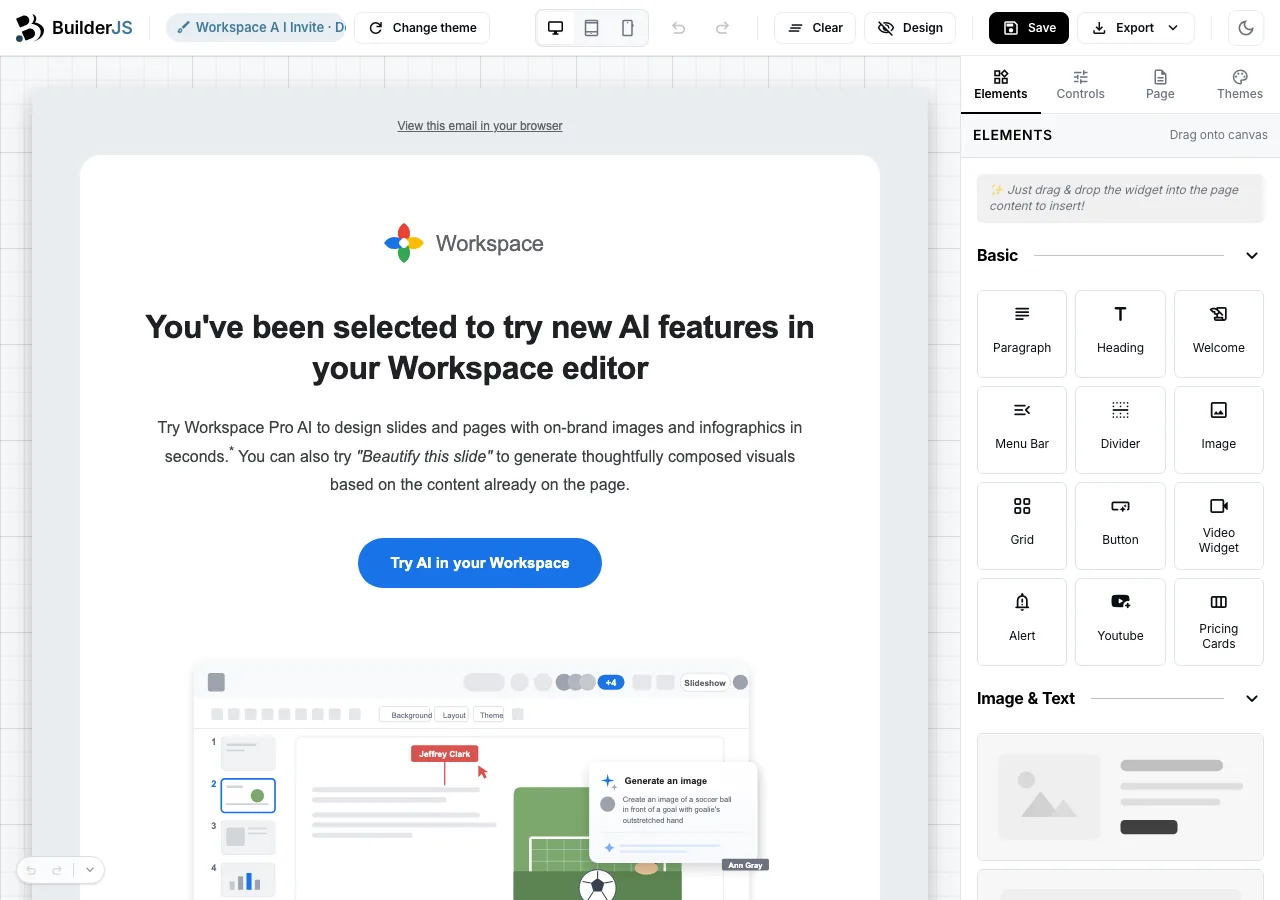
Edit on the page, not in a sidebar.
Every gesture happens where the content lives — click to edit copy, drag to move blocks, resize from the edges. The sidebar is for fine-tuning, not for navigating.
-
In-canvas editing
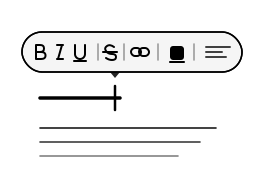
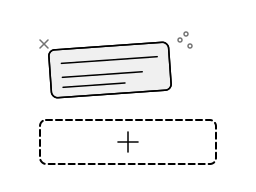
Click any line. Edit in place.
The floating toolbar opens above whatever you select — formatting, links, font-size, highlight color — without ever bouncing through a sidebar. Your users edit copy where their readers will read it.
-
Drag-drop with structure
Smooth drag-drop. Honest drop zones.
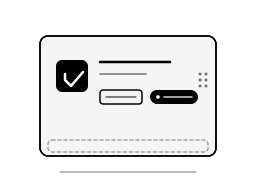
Pick up any element by its handle. Drop zones light up only where the element is welcome — misplaced drops snap back without a destructive undo. Reorder a page in seconds.
-
Selection-aware toolbar
Actions follow what you click.
Duplicate, delete, move up, move down — the toolbar travels with the selection and never blocks the content underneath. Multi-element flows feel like a desktop app.
-
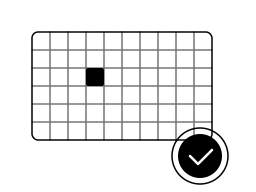
Inline image crop
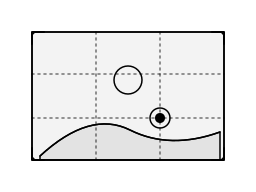
Crop on the canvas, not in a modal.
A dual-view crop tool — sidebar precision plus canvas overlay — adjusts in lockstep. The focal-point dot survives every responsive variant your template renders.
-
Forgiving history
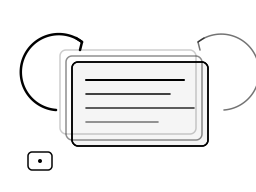
Every action undoable. ⌘Z saves the day.
History snapshots on every committed change. ⌘Z rescues a misclicked drag; ⌘⇧Z replays a deleted block. No surprise data loss after a long editing session.

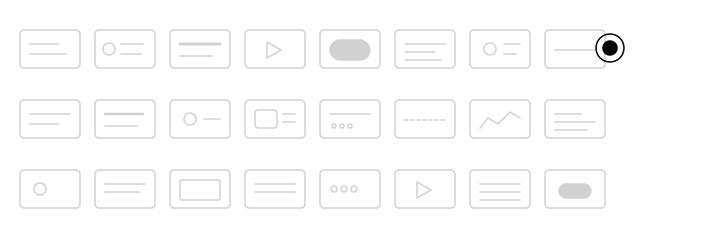
Drag what you need. Drop where it goes.
The sidebar palette is the buyer-facing entry point of every BuilderJS canvas. Drag-drop tiles, context-aware group banners, rich tile content, honest drop zones — and a one-class API to register your own.
-
Sidebar palette
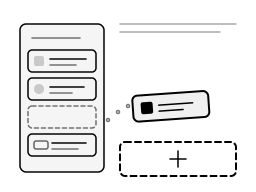
Pick a tile. Drop it where it belongs.
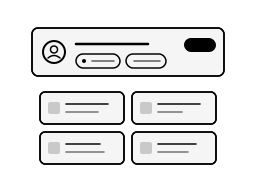
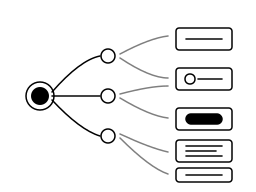
Every block, layout, and primitive lives in the sidebar palette as a draggable tile. Your users reach for what they want, drag it onto the page, and the builder snaps it into the right slot — same gesture for a heading, a pricing card, a video, or a checkout block.
-
Grouped + context-aware
Group tiles together. Banner the context.
Tiles cluster into named groups (Basic · Layout · Forms · Pricing · Media). Each group can carry a banner — a list summary, a brand reminder, a "1,240 subscribers · 5 fields" status — so the user sees what they're reaching into before they pick a tile.
-
Rich tile content
Icon + label is the floor, not the ceiling.
Override
render(type)on a widget and the tile carries meta lines, type badges, "Required" pills, brand swatches — whatever your domain calls for. The drag-anchor wiring is preserved as long as you keep working withthis.domNode. -
Honest drop zones
Highlights only where the drop is welcome.
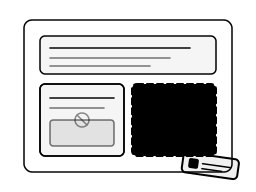
Page, Block, and empty Cell are the only valid drop targets — never inside a paragraph, never on top of an image. The canvas lights up the legal targets as the user drags and snaps a misplaced drop back to the palette without a destructive undo.
-
Custom widgets, one class away
Subclass
BaseWidget. The tile appears.Give it a name, an icon, and an element constructor; register once at boot via
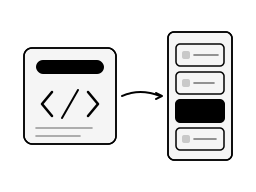
builder.widgetsBox.addWidget(new MyWidget()). The new tile shows up in the palette, drags onto the canvas, serializes into the same JSON, and survivesparse()— no fork, no plugin SDK, no ceremony.
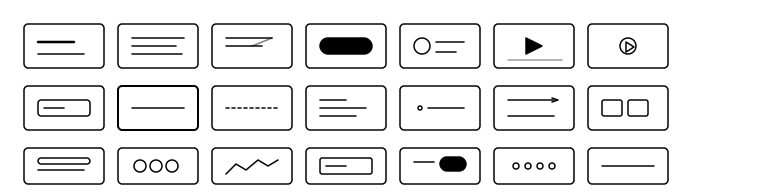
Every primitive your users will reach for.
Headings, blocks, grids, pricing tables, forms, social icons, video — every primitive a marketing or transactional surface needs, already styled to your theme.
-
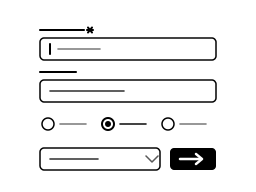
Forms
Capture leads where the user is reading.
Form, Field, TextInput, Select, Radio, Checkbox, SubmitButton — drop them in, point at any endpoint, ship a working capture flow without a CRM SDK.
-
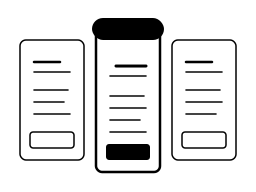
Pricing & checkout
Pricing ladders + checkout, ready to render.
PricingCards renders a comparison ladder with a featured tier; Checkout renders a working summary block. Buyer brand-themes them in one stylesheet — the JSON shape stays portable.
-
Video
YouTube, Vimeo, or self-hosted — same drop-in.
Paste a URL into Youtube and the embed lazy-loads with a thumbnail fallback. Upload to Video and the player ships a Save-friendly source. Both honor the email-safe export so newsletter renders never break.
-
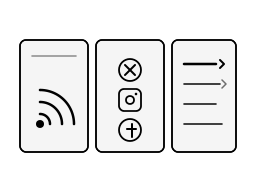
RSS, social, menus
First-class — not three plugins.
RSS fetches and renders a feed; SocialIcons ships brand swatches for the major platforms; Menu is a real navigation primitive. Three things every newsletter needs, none bolted on.
-
The full catalogue
Every primitive your content surface will need.
Page · Block · Grid · Cell · Heading · Paragraph · Link · Button · Image · Video · YouTube · Alert · Divider · List · Menu · Form fields · PricingCards · Checkout · RSS · SocialIcons + raw HTML — pre-wired and themeable.

Controls that do what designers expect.
Pin-toggle padding, per-side borders, unit-aware dimensions, a color picker with contrast badges. Every control was rewritten until designers stopped asking for a CSS escape hatch.
-
Color
A 60-swatch picker that knows about contrast.
Palette + LRU + eyedropper + hex. A live AA/AAA badge against the current surface so designers see a contrast fail before merging — accessibility shifts left, into the canvas.
-
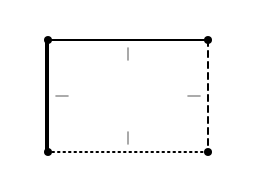
Borders
Per-side radius, width, style, color.
Set every edge independently — round one corner, dash a single side, recolor the bottom. No fighting CSS shorthand to get a single rounded corner; the control speaks the syntax for you.
-
Padding & margin
Pin all four sides — or break the pin.
A visualizer shows the padding box live as you drag. Pin the four sides for symmetric spacing, break the pin to nudge one edge. The same control covers margin with one toggle.
-
Dimensions
Type the unit. The input understands it.
Type px, %, rem, vw, vh — the input parses the unit, stores it faithfully, and the slider tracks the right axis. Responsive design without translating units in your head.
-
Backgrounds
Image, gradient, or both — layered.
Layer a gradient over an uploaded image, set blend mode, position, repeat. One control covers every block-level element — block, cell, page, button — so your background stack stays consistent.


Make it yours in one stylesheet.
Override the design tokens, ship light + dark, start from a production-ready template, export email-safe HTML — every brand decision is one variable away from your team's design system.
-
Brand-yours tokens
Override `--bjs-*` once. Every element inherits.
Color, spacing, typography, radius — all expressed as CSS variables. Drop a single stylesheet over the builder and the canvas, the controls, the previews, the export all shift to your brand.
-
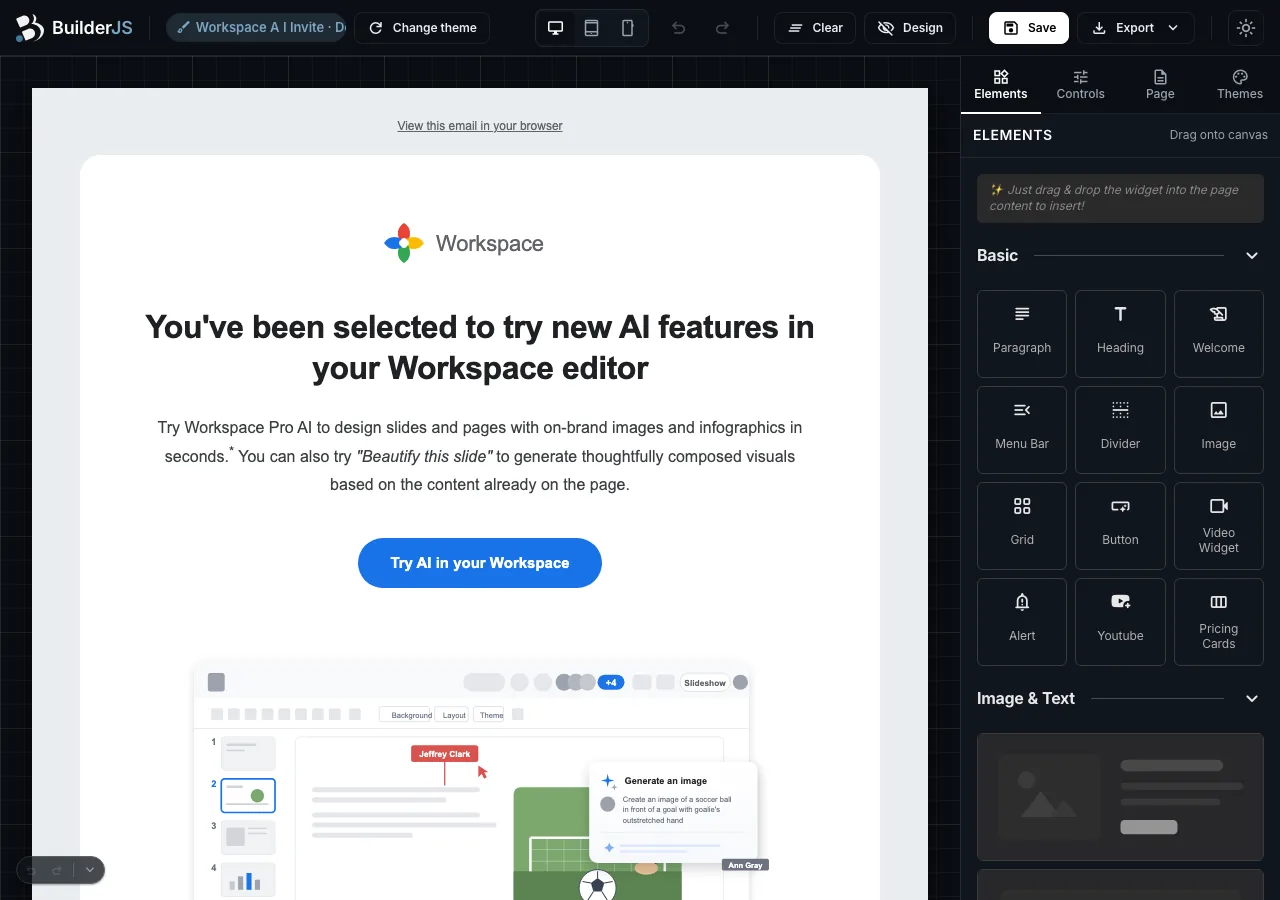
Light + dark mode
Cookie-driven theme that survives a reload.
Server-baked `data-theme` attribute means no flash of unstyled content. The builder canvas, the chrome, and your themes stay in sync — toggle via `prefers-color-scheme` or your own UI.
-
Email-safe export
Flexbox in-builder. Table-cell on the wire.
The canvas renders modern flexbox; the export rewrites to table-cell-nested HTML for Outlook 2016 and the Gmail render path. Same JSON, two output modes — automatic.
-
Browse the themes
Production-ready templates to start from.
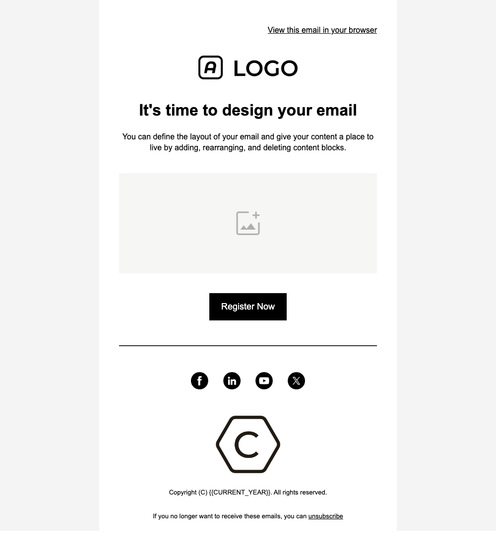
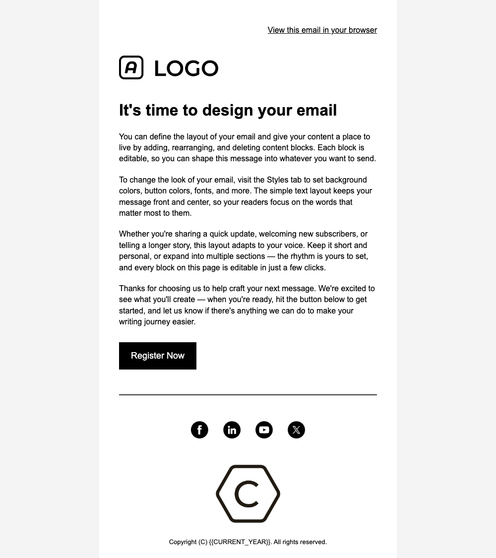
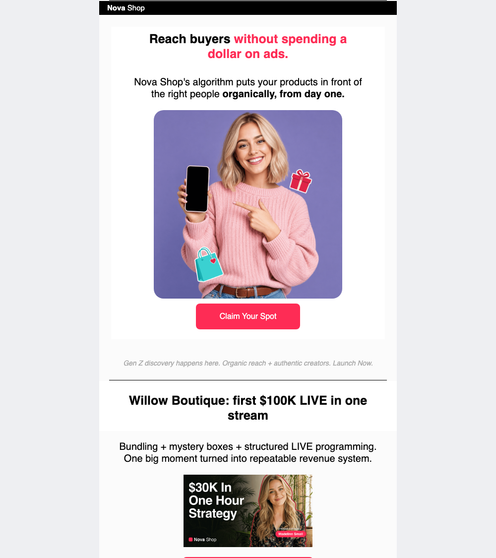
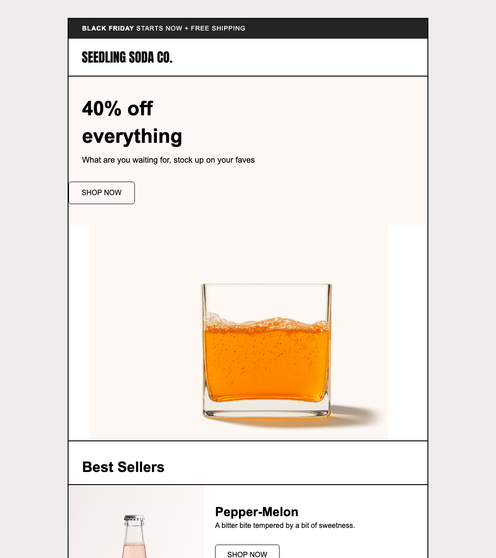
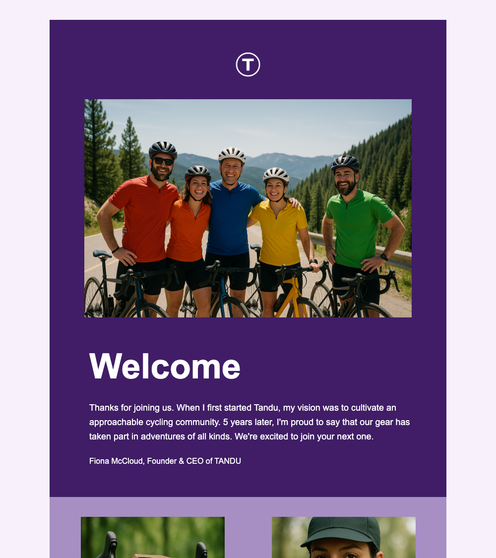
Standard layouts (Blank · Minimal · Gallery · Simple Text) plus extended rich-content templates (Sitewide Sale, Welcome Customers, Class Thank You, and more). Every one editable in the same builder.


No magic. No lock-in. No SDK.
Drop one script tag. Subclass `Element`, `Control`, or `Widget`. Read the source before you buy — every primitive is documented in the design system and matched in code.
new Builder({
    mainContainer:     '#editor',
    settingsContainer: '#settings',
    widgetsContainer:  '#widgets',
    save:   { url: '/api/save',   csrf: csrfToken },
    upload: { url: '/api/upload', maxBytes: 10 * 1024 * 1024 },
    ai: {
        inlineRewriteUrl: '/api/ai/builder',
        chatboxUrl:       '/api/ai/builder',
        // engine swap is server-side: Anthropic | OpenAI | Ollama
    },
    on: {
        save:   page => fetch('/api/save', {
            method: 'POST',
            body: JSON.stringify(page),
        }),
        change: page => autosave.queue(page),
    },
});Five lines from "no builder" to "live builder".
Mount three container IDs. Point at your save endpoint and upload endpoint. Subscribe to `save` and `change` for autosave. Optionally wire the AI handler. The buyer who customizes changes one labelled line per integration.
-
One script tag
Drop into React, Vue, Laravel, Rails, plain PHP.
No framework lock-in, no build step, no node_modules to vendor. Reference dist/builder.js + dist/builder.css from any host page; the builder mounts inside whatever container ID you point it at.
-
JSON-first contract
getData() in. parse() out. No lossy middle.
One JSON shape goes in, comes back out. Save it to your database, version it in git, diff it in code review — the same shape feeds the builder forever. No proprietary serialization.
-
Plugin registry
registerElement(MyBlock) and you are done.
Register your custom block once at boot — it appears in the slash menu, the sidebar palette, and the JSON serialization automatically. Same surface area as the built-in primitives.
-
Event bus
Subscribe to save, change, mount.
Plug autosave, analytics, dirty-state, presence — all without forking. Lifecycle events fire from a tiny EventEmitter your host code can listen to from outside the builder.
-
Pluggable AI
Wire Claude, OpenAI, Ollama — your choice.
One options.ai config (inlineRewriteUrl · chatboxUrl · pageGeneratorUrl) routes every AI call through your own endpoint. No SDK in the buyer package, no engine lock-in. Production-tested behind a single AIEngineInterface.
Shipping next
AI rewrite · slash-menu insert · multi-select bulk edit · smart guides + snapping.
Roadmap details in /docs/ →
Already shipping inside real products.
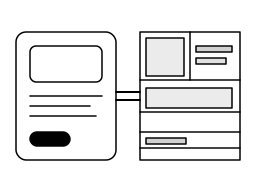
BuilderJS is the drag-drop editor other products embed — it never sends email, runs a campaign, or hosts a page itself. Below are three places the same canvas is exercised every day; every sending, delivery, and platform concern belongs to the host product, not to BuilderJS.
-
Editor embedded inside
Funnel (SaaS)
BuilderJS is the drag-drop authoring surface inside Funnel's forms, email templates, and admin pages. Funnel owns the sending, automation, and CRM — BuilderJS never sends email, manages lists, or runs a campaign.
-
Editor embedded inside
Ad-creative composer
The same canvas composes creatives that a downstream tool ships to Meta, Google, TikTok, and LinkedIn. BuilderJS lays out the creative; the host product handles the ad-platform APIs and spending.
-
Sold on a public marketplace
CodeCanyon
Shipped publicly since 2020. Active changelog, paying customer base, source readable inside the package — a library you buy once, not a black-box SaaS.


Open the builder, then read the source.
Every claim on this page is one click from a real page — the canvas, the docs, the gallery, the example walkthroughs. No demo trickery, no sales call.
Same builder. Same JSON. Same script tag — whether you ship a newsletter, a landing page, or a four-platform ad campaign. v2.0