GALLERY
44 themes ready to ship.
Every theme + sample bundled with the buyer package. Filter by category, search by name, click to open in the builder.
-
 Standard
Blank
-
 Standard
Minimal
-
 Standard
Plain Text
-
 Standard
Gallery
-
 Standard
Sell Products
-
 Standard
1:2:1 Column
-
 Standard
1:3 Column
-
 Standard
Tell a story
-
 Standard
Featured Product
-
 Standard
Promote products
-
 Standard
Event invitation
-
 Standard
Retail services
-
 Standard
Make an announcement
-
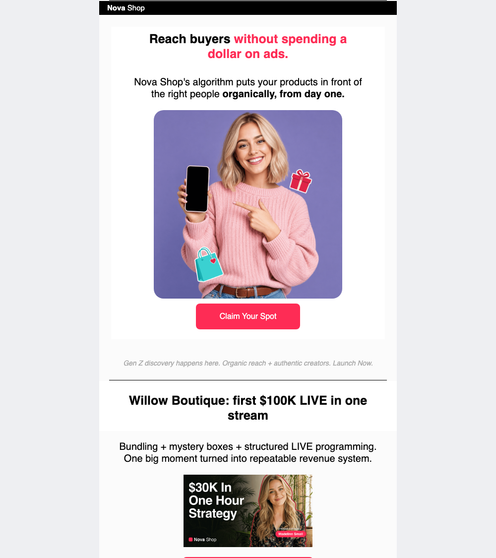 Rich content
Creator commerce launch
-
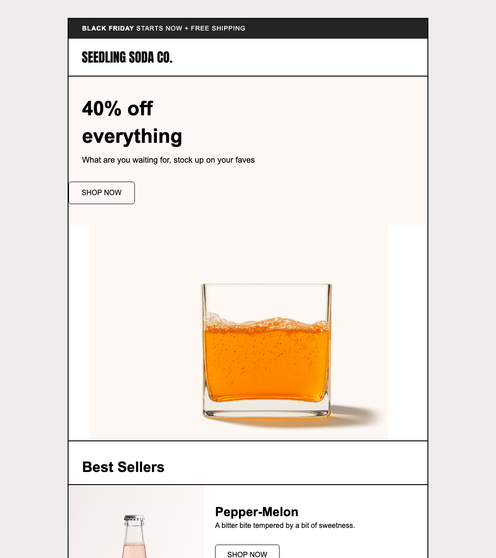 Rich content
Sitewide sale
-
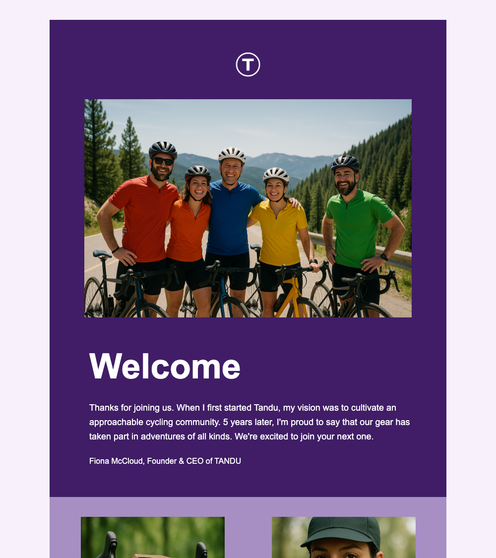 Rich content
Welcome new customers
-
 Rich content
Advertise App
-
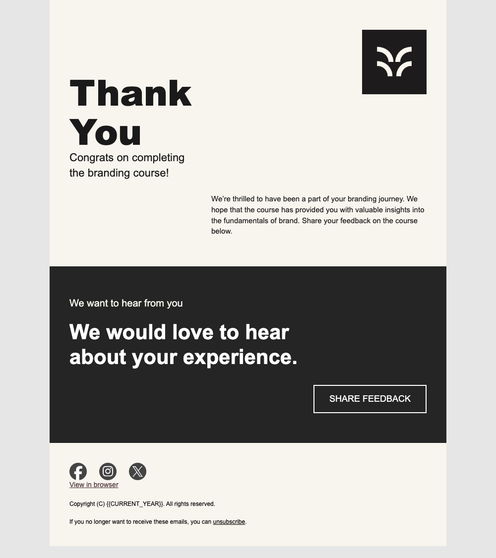 Rich content
Class thank you
-
 Rich content
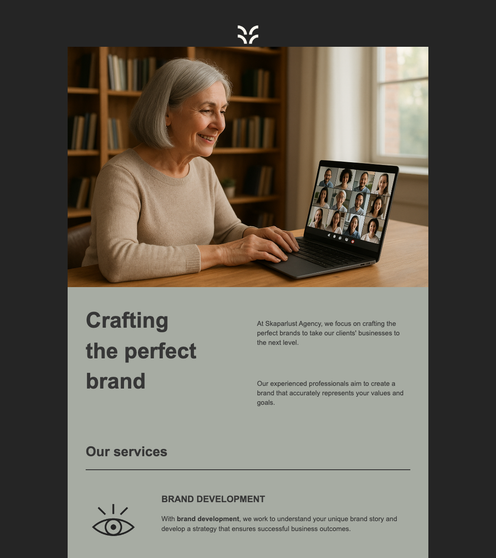
About our services
-
 Rich content
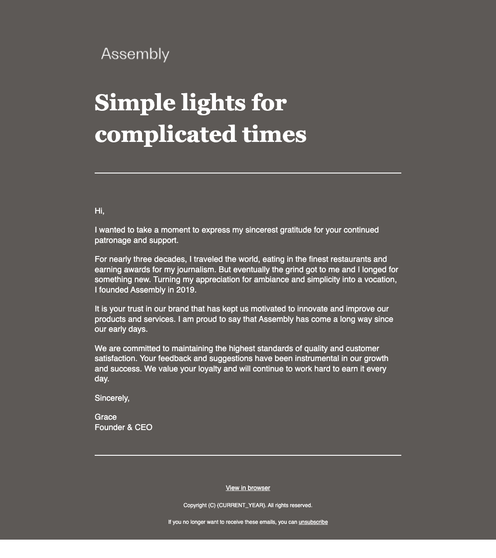
Thank You Personalized
-
 Rich content
Editorial Newsletter
-
 Rich content
Memorial Day
-
 Rich content
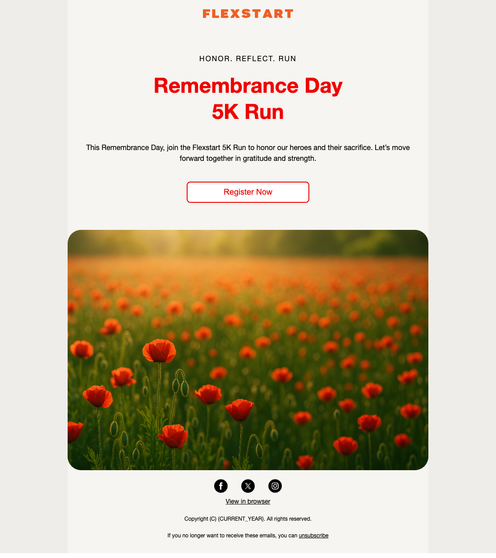
Remembrance Day Run
-
 Rich content
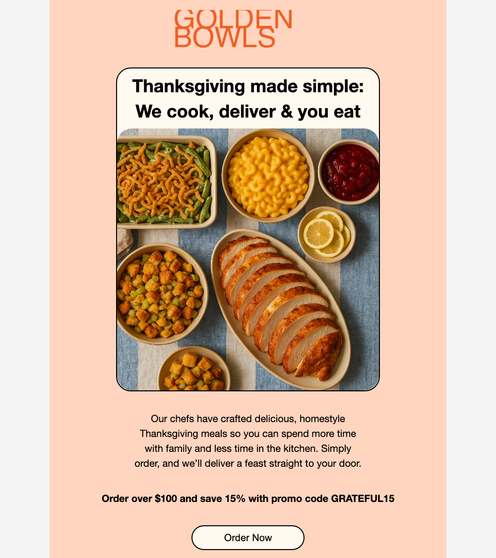
Thanksgiving Offer
-
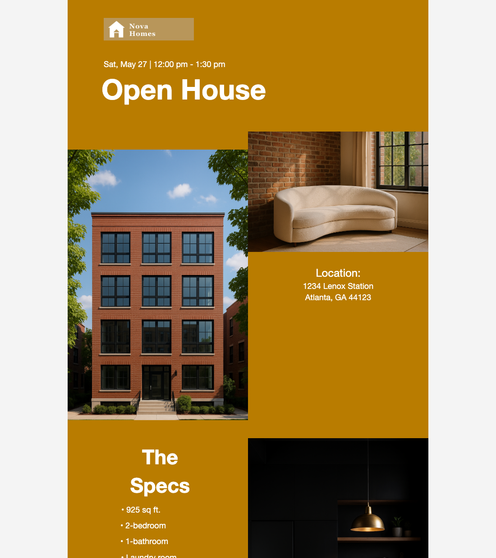 Rich content
Open House Invite
-
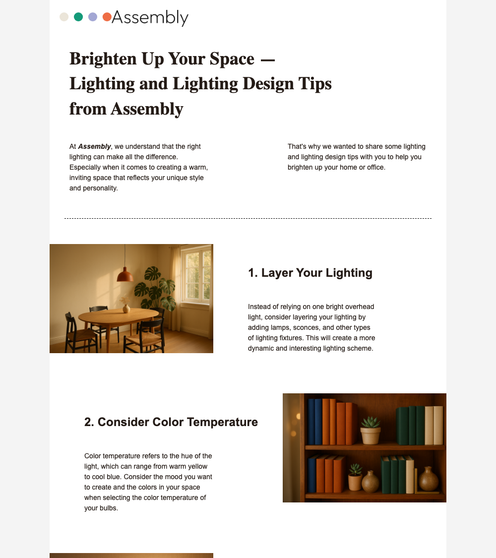 Rich content
Educational Theme
-
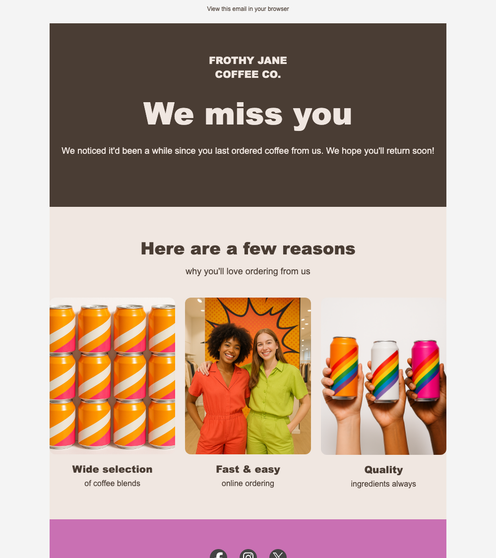 Rich content
Order Again
-
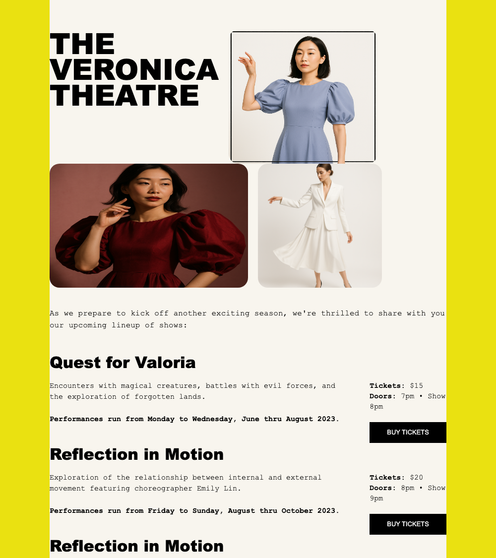 Rich content
Event Lineup
-
 Rich content
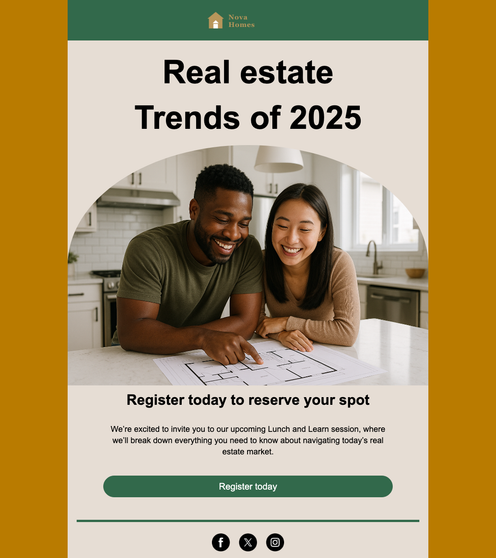
Real estate invite
-
 Rich content
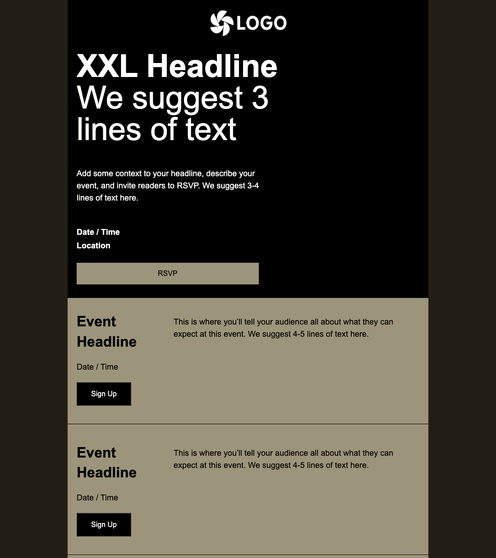
Event Agenda Dark
-
 Rich content
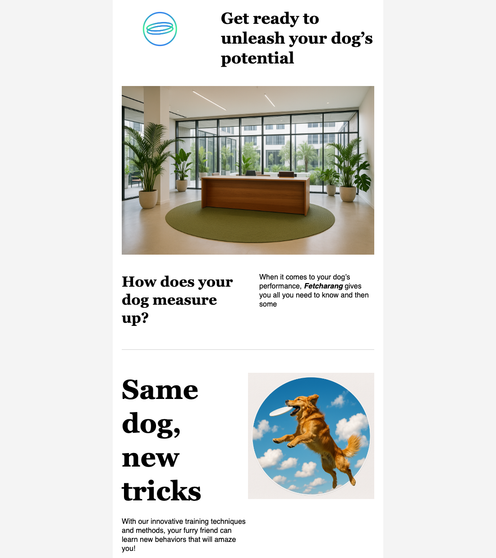
About Us
-
 Rich content
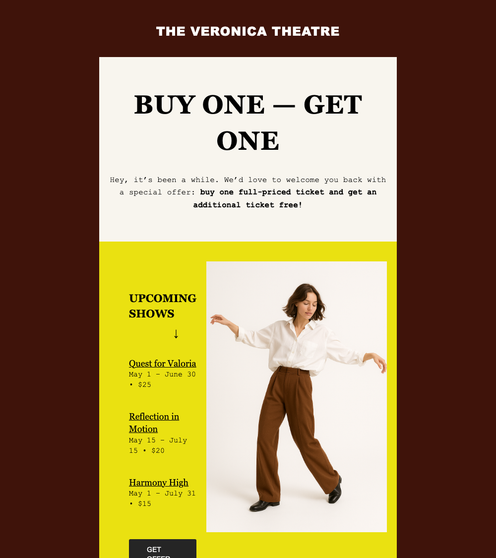
Product Promotion
-
 Rich content
Fathers Day Specials
-
 Rich content
International Womens Day
-
 Rich content
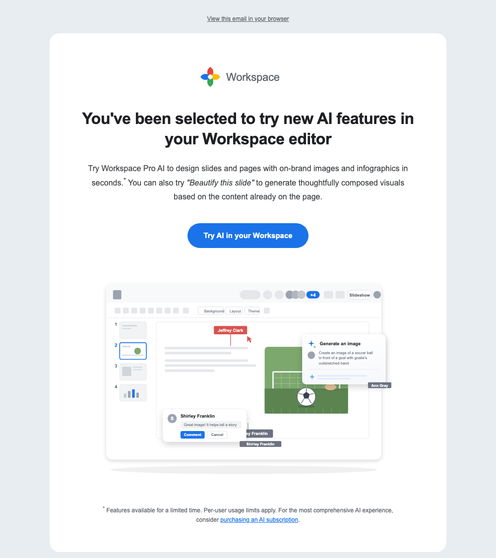
Workspace AI Invite
-
 Page templates
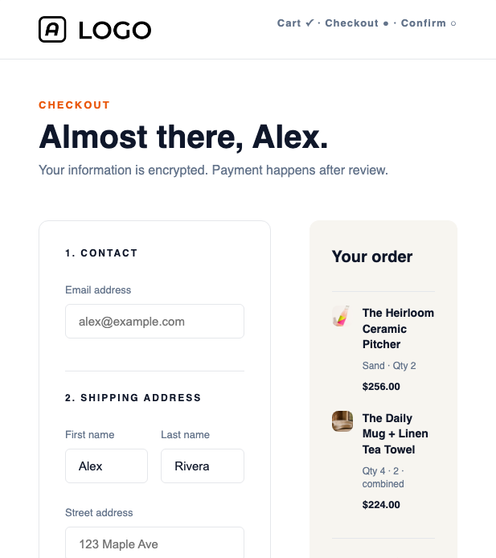
Checkout
-
 Page templates
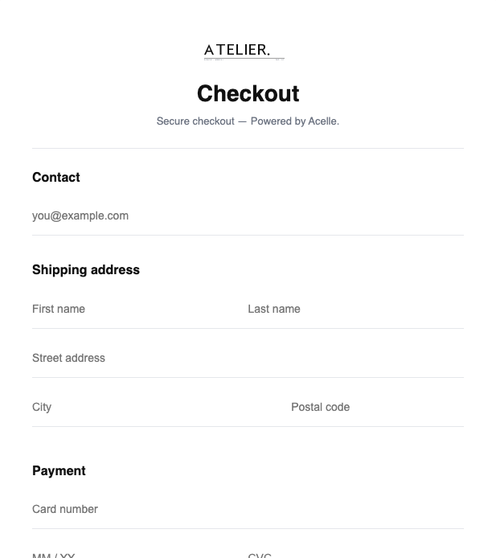
MailChimp Checkout
-
 Page templates
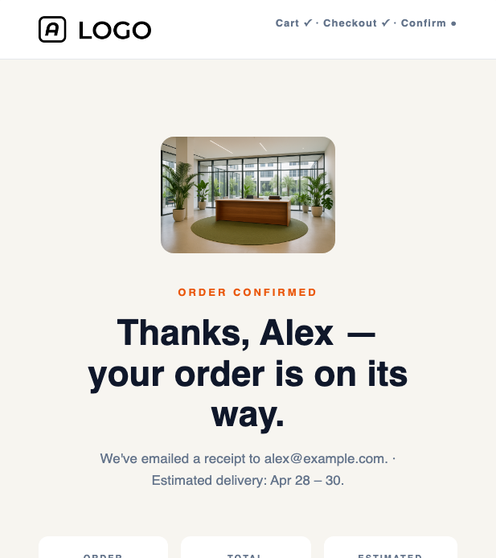
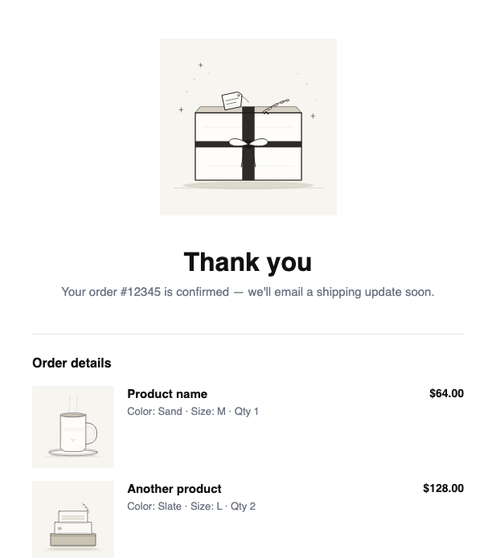
Order Complete
-
 Page templates
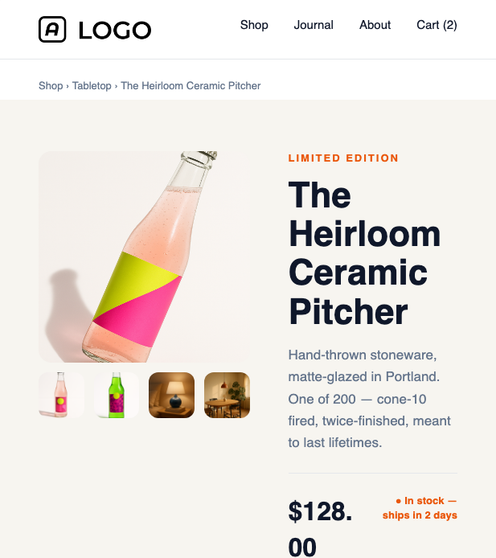
MailChimp Complete
-
 Page templates
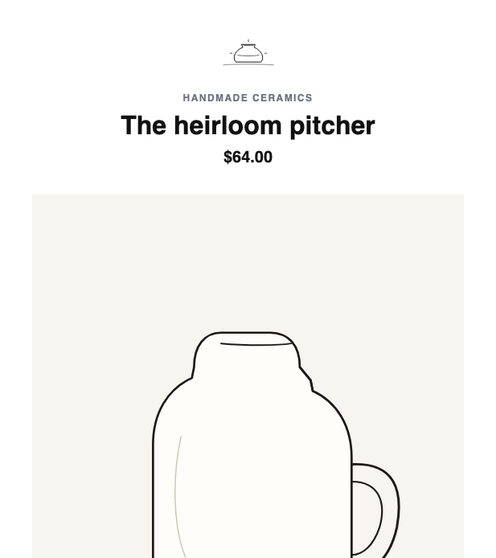
Product Showcase
-
 Page templates
MailChimp Product Showcase
-
 Page templates
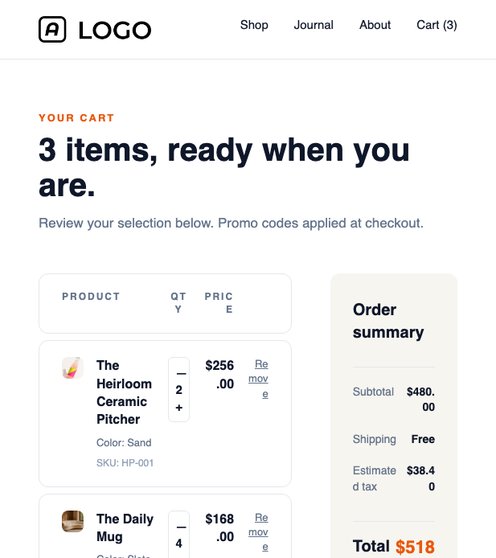
Shopping Cart
-
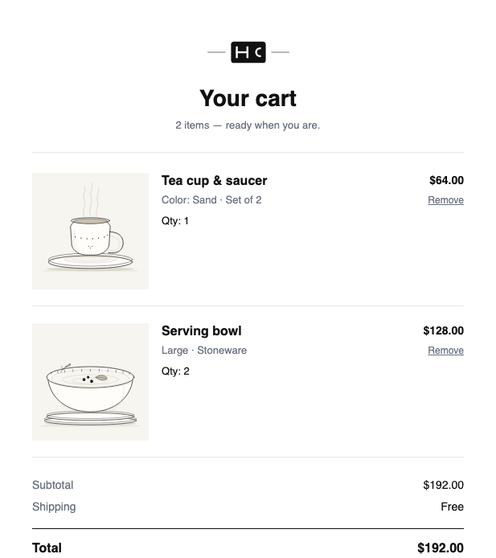 Page templates
MailChimp Shopping Cart
-
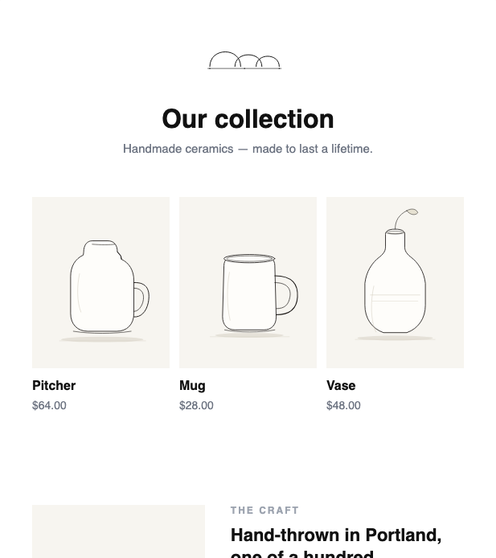 Page templates
MailChimp Showcase
No themes match your filter.
ALWAYS GROWING
New samples land in every build.
The buyer ZIP ships every theme + sample on this page byte-identical to what you see here.
New samples are added on a regular cadence (typically 2–3 per release) — re-download
the latest ZIP to pick them up. You can also drop your OWN .theme dirs into
demo/themes/ and they surface here automatically.
- Tested across 22 email clients via Litmus — Outlook, Gmail, Apple Mail, mobile, dark-mode all covered.
- Royalty-free imagery — every photo + illustration shipped with the package is yours to use commercially. No stock-license traps.
-
Drop-in extensible — add a theme dir to
demo/themes/, the gallery + Builder picker auto-discover on next request. No registration code.
What's next?
Ready to ship? Pick a path.
Open the Builder
Edit any theme + sample in the live editor. Three-pane chrome, drag-drop blocks, instant export.
Try itBrowse 36 examples
Five tiers — basic / backend / cookbook / events · api · extensions / flows · multi-tenant. Real code, no pseudocode.
ExploreAdd your own theme
A theme is a dir + an index.json + a few .template.html files. Drop one in, the gallery sees it.
Read the docs
Engine API, JSON schema, control + element catalog, theme authoring — everything the buyer-package ships with.
DocsCommon questions
How often are new themes added?
Roughly 2–3 samples per release. Re-download the latest buyer ZIP from CodeCanyon (or pull main if you cloned the repo) and the gallery refreshes on next page load. Theme additions don't break existing pages — the JSON schema is stable.
Can I add my own themes?
Yes. A theme is a directory under demo/themes/ containing an index.json manifest, a set of *.template.html EJS files (one per element type), and a master/sample/ tree of starter pages. ThemeRegistry::listAll() picks them up automatically — no rebuild, no registration call. See the Custom Theme walkthrough.
How are themes licensed?
Every theme + sample + image bundled with BuilderJS is licensed for unrestricted commercial use. No royalties, no per-seat fees, no attribution required (though it's appreciated). The buyer ZIP includes a copy of the license at LICENSE.md.
Which email clients are supported?
Every shipped sample passes Litmus testing across the top 22 email clients: Apple Mail (macOS + iOS), Gmail (web + iOS + Android), Outlook (Windows 2007–365 + macOS + web), Yahoo, AOL, Samsung Mail, Thunderbird, and major mobile clients. Dark-mode rendering is verified on the clients that support it natively.
Can I use BuilderJS for landing pages or web pages, not just email?
Yes. The engine is HTML-output-agnostic — it reads JSON, runs EJS templates, and emits whatever HTML you author. Page templates (checkout pages, product showcases, thank-you pages, shopping carts) ship in the buyer ZIP under demo/themes/default/master/sample/page/ and surface in the Page templates filter pill above. The same Builder + JSON schema runs both surfaces — switch between email and page samples without changing your integration.